


Data Visualisation and Business Intelligence in Malta
From Data to Decisions
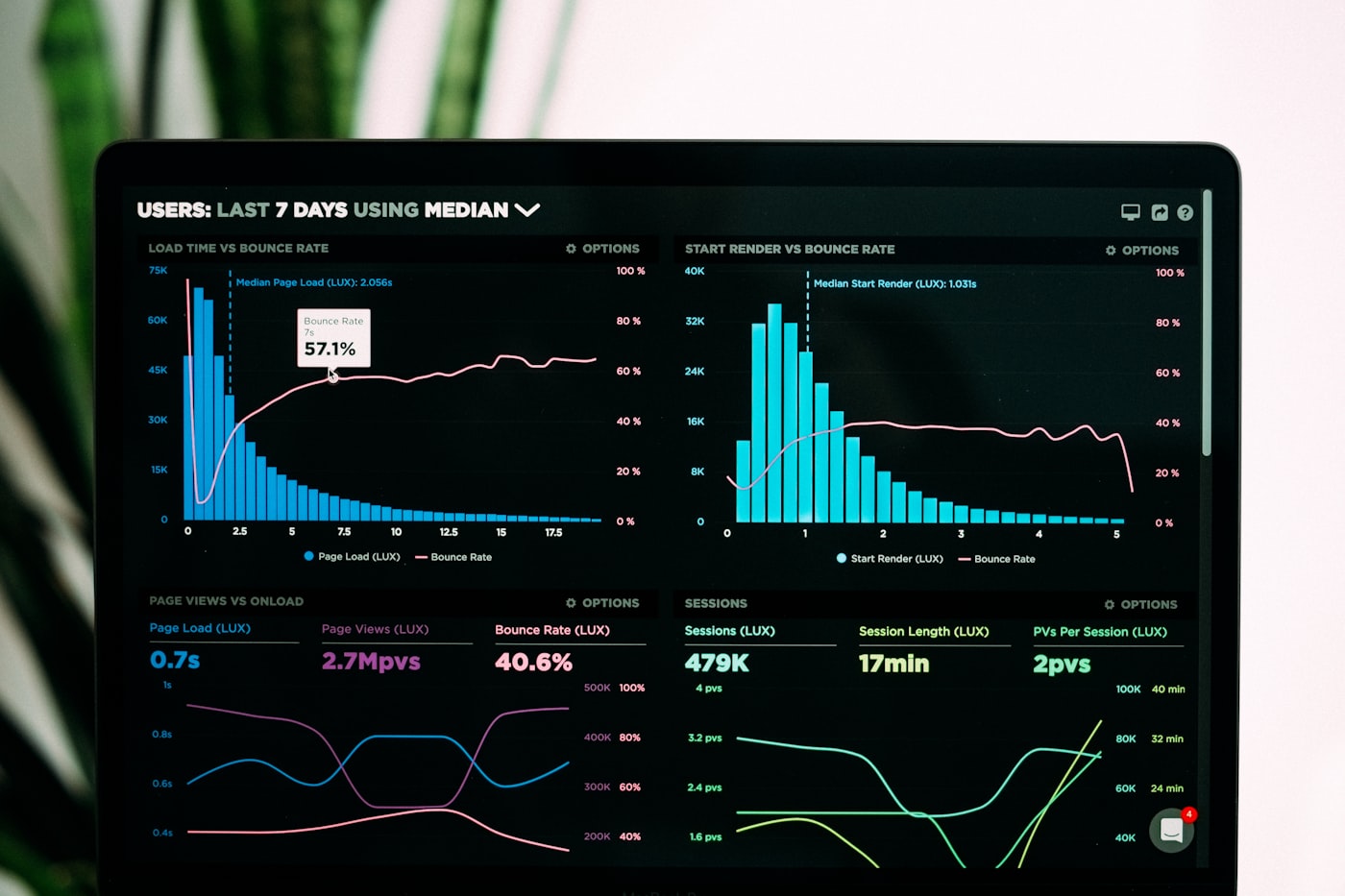
Every Maltese business generates data. The question is whether that data is being used effectively. Data visualisation and business intelligence transform raw numbers into clear, compelling visual stories that drive better decisions at every level of an organisation.
The difference between a data-rich company and a data-driven company is visualisation: the ability to see patterns, trends, and anomalies at a glance, rather than buried in spreadsheets. This capability sits at the heart of data-driven decision making.
The BI Landscape in Malta
Power BI
Microsoft Power BI dominates Malta’s BI market, particularly among organisations already using Microsoft 365. Its strengths include excellent data connectivity, DAX for complex calculations, and a growing ecosystem of custom visuals. For most Maltese SMEs, Power BI offers the best balance of capability and cost. You can read more about how Power BI dashboards are transforming Malta’s businesses in practice.
Tableau
Tableau remains the gold standard for exploratory data analysis and sophisticated visualisation. Its drag-and-drop interface enables analysts to create complex visualisations without coding. Larger enterprises and organisations with dedicated analytics teams often prefer Tableau for its flexibility.
Looker Studio
Google’s free BI tool is popular among marketing teams and smaller organisations. While less powerful than Power BI or Tableau, Looker Studio’s native integration with Google Analytics, Google Ads, and BigQuery makes it ideal for digital marketing reporting.
KNIME
For organisations that need advanced analytics beyond traditional BI, KNIME provides a visual workflow-based approach to data science. It bridges the gap between BI and machine learning, enabling analysts to build predictive models without deep programming expertise.
Principles of Effective Data Visualisation
Start with the Question
Every dashboard should answer specific business questions. Before designing any visualisation, define what decisions it should inform. This prevents the common trap of building dashboards that look impressive but do not drive action.
Choose the Right Chart Type
Using the wrong chart type obscures insights rather than revealing them. Bar charts for comparisons, line charts for trends over time, scatter plots for correlations, maps for geographic data. Each visualisation type has a purpose.
Design for the Audience
Executive dashboards need high-level KPIs with drill-down capability. Operational dashboards need real-time metrics and alerts. Analyst workspaces need flexibility and granularity. Design each dashboard for its intended user.
Maintain Data Freshness
A dashboard showing last week’s data is a report, not a dashboard. Invest in automated data pipelines that keep your visualisations current. Most modern BI tools support scheduled and real-time data refreshes. For organisations that need up-to-the-minute visibility, real-time reporting takes this principle even further.
Industry Applications
iGaming - Real-time player activity dashboards, revenue breakdowns by game and geography, bonus programme effectiveness tracking, and regulatory reporting visualisation. Big data analytics in Malta’s iGaming sector underpins much of this reporting capability.
Financial Services - Portfolio performance dashboards, risk heat maps, compliance monitoring screens, and client reporting portals.
Government - Citizen service metrics, budget utilisation tracking, public health indicators, and policy impact visualisation.
Retail - Sales performance by store and product, inventory levels, customer segmentation views, and seasonal trend analysis.
Building a BI Practice
Successful BI implementation requires more than tools. It requires data governance, defined metrics, training, and cultural adoption. Before any dashboard can be trusted, the underlying data engineering best practices must be in place to ensure the data flowing into your BI tools is accurate and timely. Neural AI helps Maltese businesses build complete BI practices, from data infrastructure and dashboard development to team training and ongoing support. Contact us to discuss your BI needs.
Stay ahead of the curve
Get monthly AI insights for your business
Join business leaders across Malta getting practical AI strategy in their inbox. No spam — unsubscribe any time.
Related Articles
 Business Intelligence
 How Power BI Dashboards Transform Maltese Businesses
Discover how Power BI dashboards help Malta-based companies make data-driven decisions, improve reporting efficiency, and unlock hidden business insights.
 AI Development
 The Complete Guide to AI Chatbot Development in Malta
Everything you need to know about building AI-powered chatbots for Maltese businesses, from planning and NLP integration to deployment and optimisation.
 AI Development
 Top Computer Vision Applications for Malta's Industries
Explore how computer vision technology is being applied across Malta's key industries, from construction monitoring to retail analytics and security.

Ready to Transform Your Business with AI?
Book a free AI consultation with our Malta-based team and discover how we can help you achieve measurable results.